A restaurant ordering app needs to match what happens after someone presses the order button. The menu, fulfillment process, payment status, and staff response all affect the build. 4u Digital can help plan those steps around your restaurant. Related portfolio work demonstrates web-app coordination and payment integration, giving you concrete examples to discuss when defining your ordering workflow.
Make the menu and fulfillment choices explicit
The menu needs rules for item options, variants, and availability. A size or extra ingredient may change the order details and price. Decide who updates those choices and how the customer sees unavailable items. Existing menu data may be reusable if its format and access are suitable.
Choose pickup, delivery, or both according to the intended first version. Each needs its own information, timing rules, and staff handling. Delivery adds decisions about destinations and fulfillment. A native Apple app and a browser ordering flow are different delivery options; the customer task should guide that choice.
Give staff a clear order-acceptance process
An order needs a defined status and a place where staff can review it. Decide how an order is accepted, returned, or cancelled, and what the customer is told. A kitchen or counter view should reflect the actual handoff rather than adding another screen without a working process.
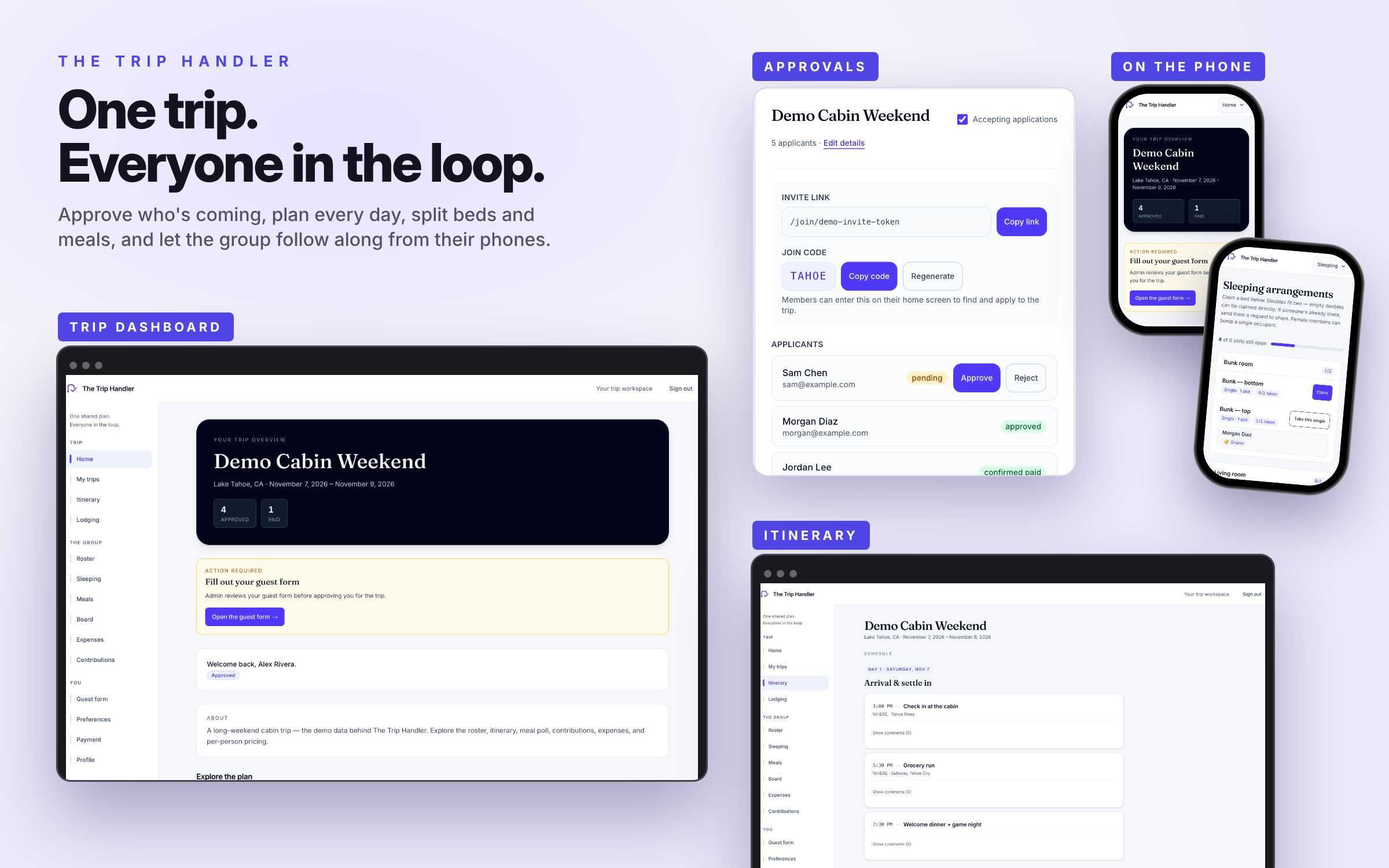
The Trip Handler provides a separate portfolio example of approvals, shared records, and payment status connected to an application workflow. Its payment integration is relevant evidence for discussing similar implementation needs. Restaurant menu and fulfillment requirements would still need their own scope and review.
Check payment and POS access before promising a connection
Decide when payment happens relative to order acceptance, and how incomplete payments or cancelled orders are handled. A payment-provider integration needs clear amount and status rules. A customer reaching checkout does not by itself mean an order is accepted or a payment is confirmed.
A point-of-sale connection depends on the system's available access, documentation, and account setup. Confirm those details before including the integration. Hosting, payment-service costs, staff access, and maintenance also belong in the scope.
A few useful answers
Can an ordering app connect to my current POS?
That depends on the POS system's supported connection methods and the access available to your business. Share the system you use so the integration can be assessed before it is promised or priced into the build.
Should pickup and delivery launch together?
Only if both workflows are defined and belong in the first scope. A pickup-only version may provide a clearer starting boundary. Delivery should have explicit destination, timing, and fulfillment rules when included.