The BitBinder
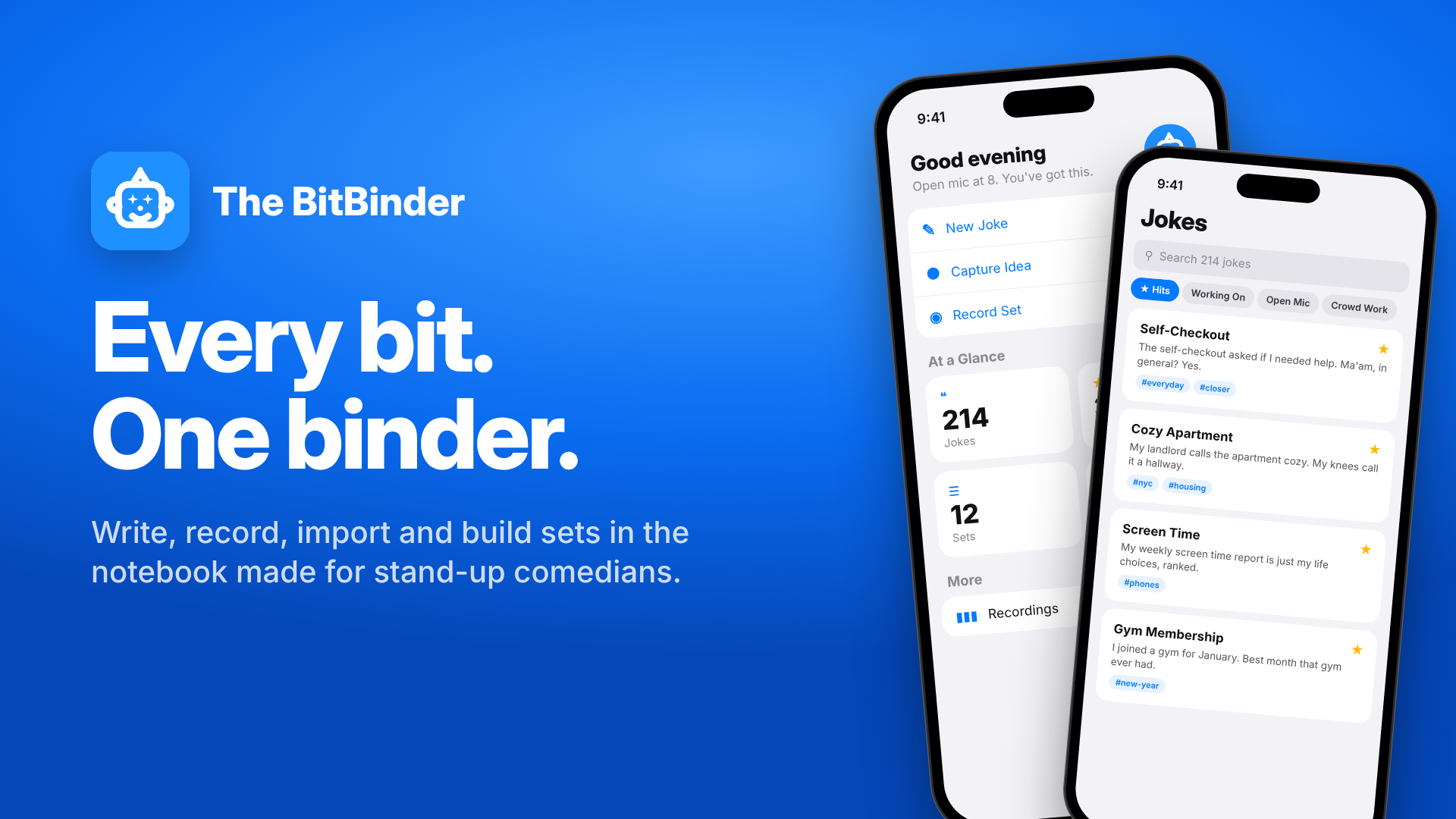
Supplied product artwork
An iPhone writing notebook for comedians to capture jokes and build a set.
Available on the App Store.
See how it works 4u Digital
APPLE APP DEVELOPMENT
I design and build native apps for iPhone, iPad, and Mac. We’ll choose the Apple devices and one useful task to focus on before planning the first release.
Video consultation · Opens BriefBooth in a new tab. Requests are reviewed before confirmation.
Selected personal projects. Open one to see its workflow and complete original gallery.
Supplied product artwork
An iPhone writing notebook for comedians to capture jokes and build a set.
Available on the App Store.
See how it works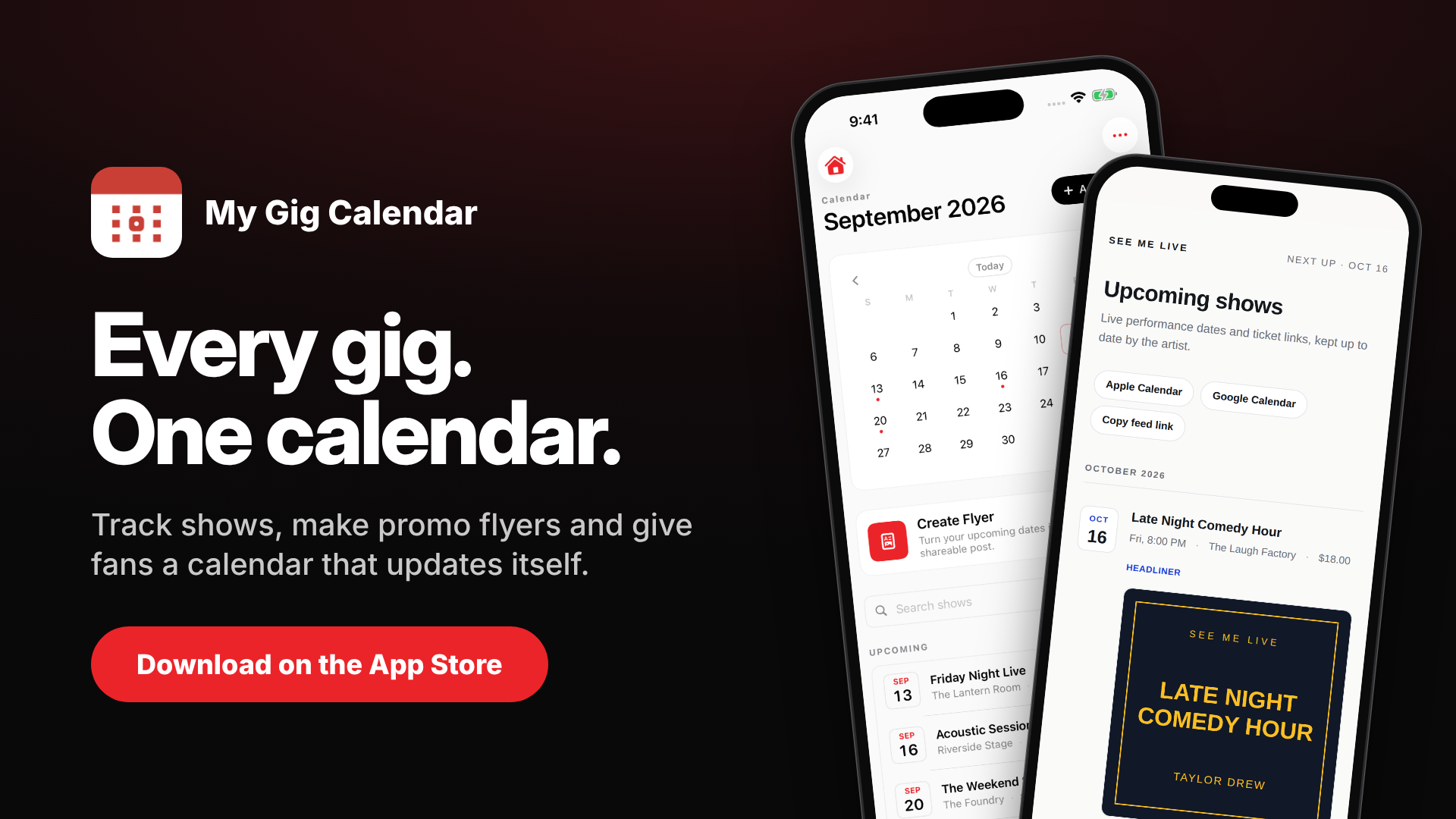
Supplied product artwork
Keep gigs organized and turn show details into a fan calendar and promotional flyers.
Available on the App Store.
See how it worksThe BitBinder demonstrates native notebook, import, and set-list workflows. My Gig Calendar connects a native calendar to public dates and promotional material. Open Micer Timer provides a native stage countdown with clear visual cues. Project pages identify the available app captures, product artwork, and source evidence for each example.
We agree the useful first version, price, and timeline together. Expand the details that matter to you.
A native app can organize notes, recordings, or imported text around a repeated task. Capture needs a useful destination, such as a searchable library or review queue. We identify what someone records, what they check, and how they find the material again.
A scheduling app can connect private records with information someone chooses to publish. A performer managing dates needs a different view from a fan checking appearances. We define what stays private, what can be shared, and how updates reach any public page.
A Mac utility can serve a desktop task, such as working with audio or interacting with other applications. We decide how the tool opens, what it reads or changes, and how someone can stop an action. Permissions should be explained clearly.
An iPhone screen, iPad workspace, and Mac window need different layout and interaction decisions. We choose the project's devices and identify which features are shared or device-specific. Testing should cover the intended devices, with support boundaries agreed before the build.
Local storage can keep information on the device. Cloud synchronization adds decisions about accounts, conflicts, backups, and recovery. We define which actions work offline and what happens when connectivity returns. The app should make saved and shared information understandable to its user.
A working app and a public release need separate planning. We discuss testing, distribution, product information, and submission work in the scope. Permissions and external services may affect features or costs. Maintenance, compatibility work, and later features need an agreed arrangement.
Your custom code is 100% yours. Client work stays private unless you give permission. Every project includes the 30-day money-back guarantee after the completed product launches.
Guarantee, refunds & supportIf you’re not satisfied with your completed product, you can request a full refund of the 4u Digital development fees paid for your project within 30 days after it launches. Email admin@customtechbuilt4u.com during that period to request your refund.
Reasonable changes are included during those 30 days after the completed product launches. Your individual contract explains what counts as a reasonable change and what would be new project scope, based on your specific needs.
You can choose an optional six-month debugging and support arrangement. During that arrangement, changes are available at a 50% discount on the agreed standard rate. Its coverage, rates, and support details are agreed in your contract.
You receive the code and deployment handover and are free to use your own software. Your custom code is 100% yours. Client work and code stay out of the public portfolio unless you give permission.
Every contract is tailored to your specific needs and the terms you are comfortable with. We agree the scope, price, dates, changes, support, and handover in writing before the build.
Choose a native app when the task benefits from Apple device features or a dedicated device experience. Choose a web app when browser access suits the users and workflow. We can compare those requirements before committing to a platform.
Yes. A native app can work alongside public web pages or shared data services. My Gig Calendar is a portfolio example of an app with a public fan calendar. The connection needs its own scope and access rules.
No. The first release can focus on one complete workflow. We can identify supporting features and future ideas separately so the initial app has a clear purpose and the build has an agreed boundary.
No. Public distribution involves steps beyond writing the app. We can define the preparation and submission work included in the project, but an external review decision or approval date is not something I can guarantee.