Start your screenplay
Open a new screenplay and write your first scene. FreeScript applies the layout for scene headings, action, characters and dialogue.
 4u Digital
Mac screenwriting application
Write your screenplay. FreeScript handles the formatting as you type.
Selected personal project
Signed Mac release · Not notarized
PDF import needs selectable text. Scanned PDFs require OCR first. Physical Intel testing is pending.
Video consultation · Opens BriefBooth in a new tab. Requests are reviewed before confirmation.
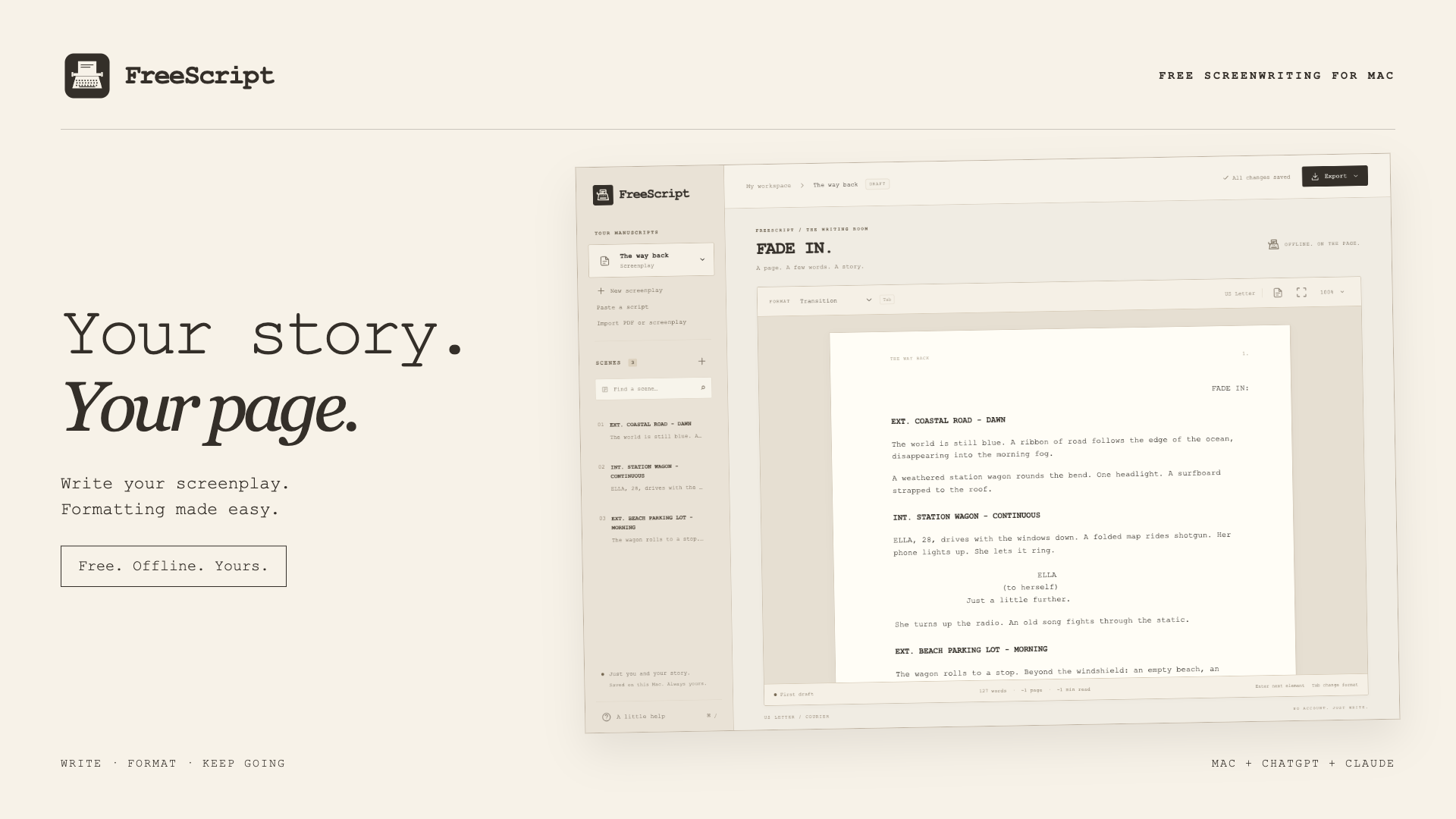
Repository product artwork · Typewriter identity with an actual app capture using fictional writing.
Write your screenplay. Let FreeScript handle the formatting.
Made for Screenwriters, filmmakers and students starting or developing a screenplay
Open a new screenplay and write your first scene. FreeScript applies the layout for scene headings, action, characters and dialogue.
Press Enter for the next element and Tab to change its type. Navigate scenes, use focus mode and keep writing with local autosave.
Export a formatted PDF to share or a Fountain file to keep working elsewhere. You can also paste an existing script or import a text-based PDF and continue editing.
Scene headings, action and dialogue use screenplay styling automatically. Press Enter for the next element and Tab to change its type.
Find a scene, revise a line and keep going. Your drafts autosave locally, and the Mac editor works offline.
A typewriter logo family, paper-and-ink palette, real captures and captioned promotional videos connect the brand to the working product.
Every original view, in full color. Open any image at full size.
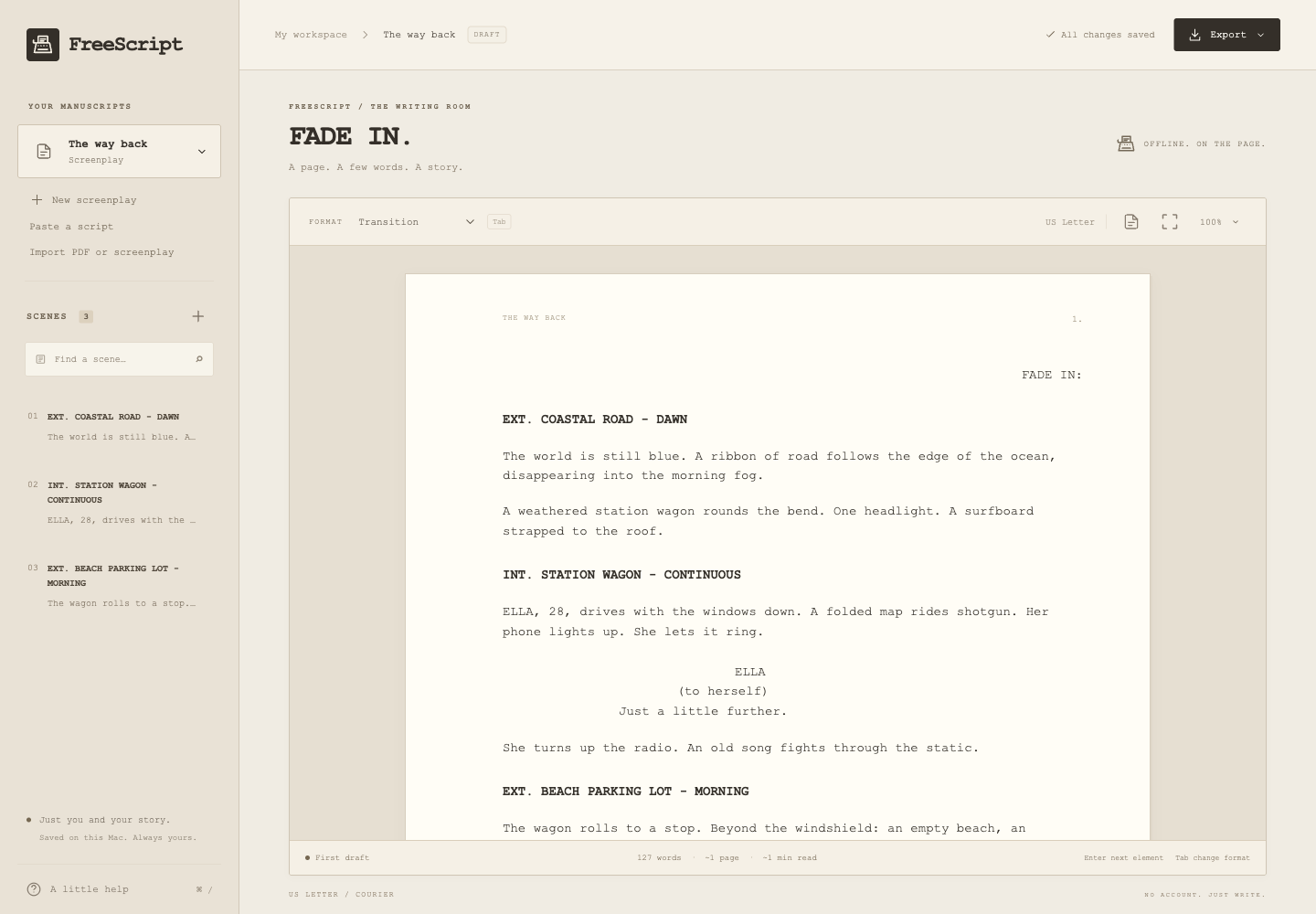
Actual Mac app capture · Fictional sample screenplay, scene navigation and local save status.
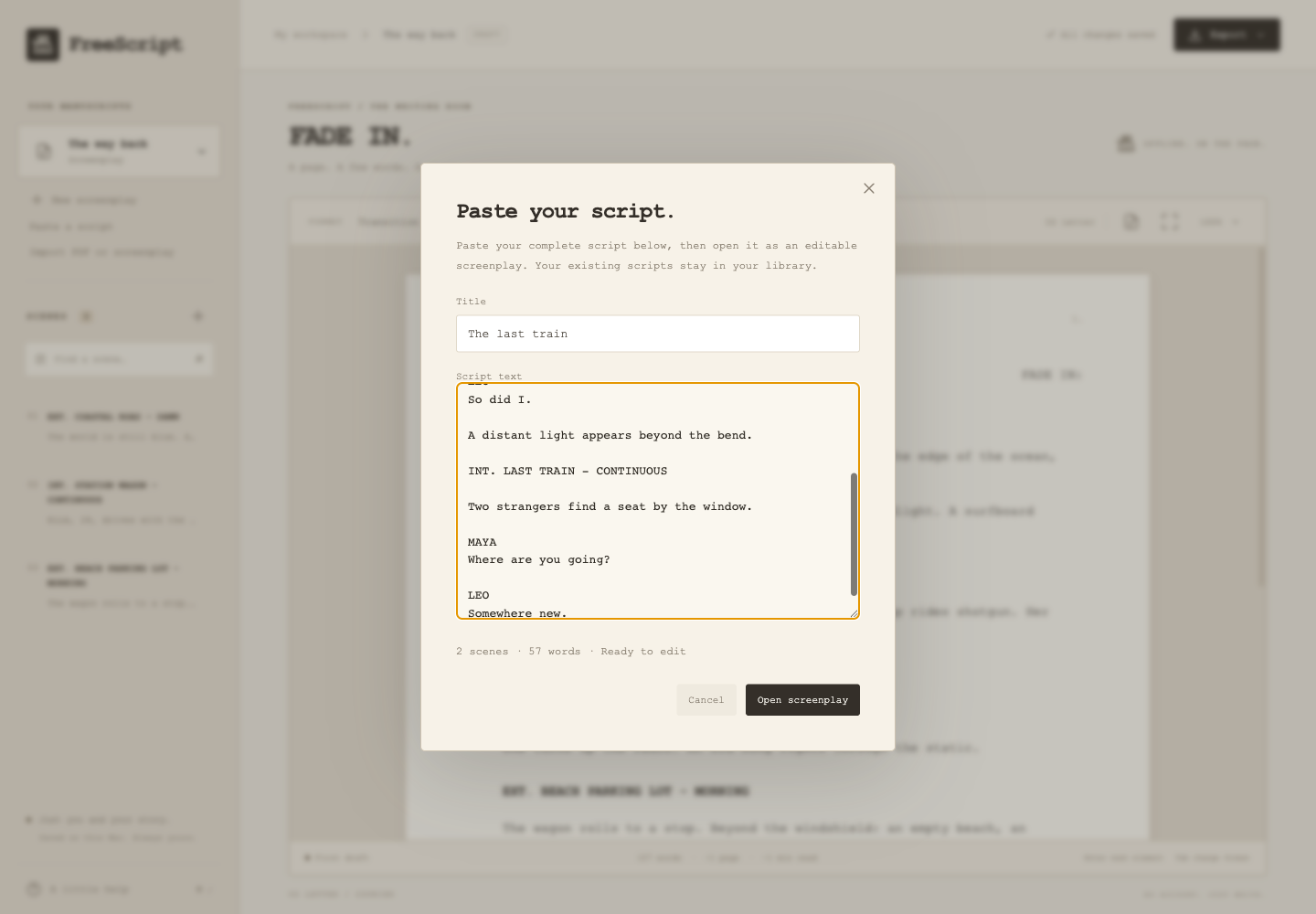
Actual Mac app capture · A fictional screenplay in the paste box before automatic formatting.
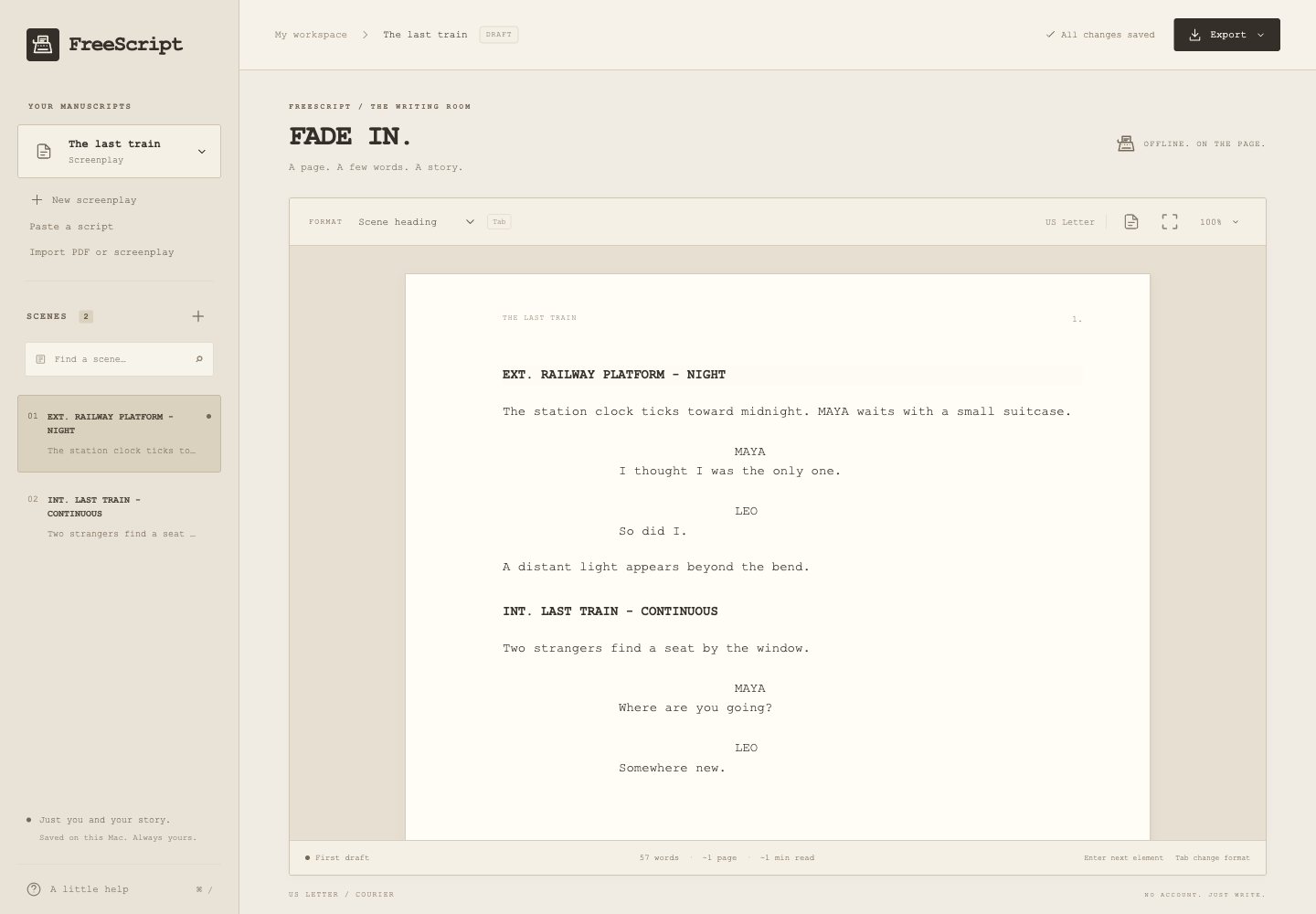
Actual Mac app capture · Pasted text separated into editable screenplay elements.
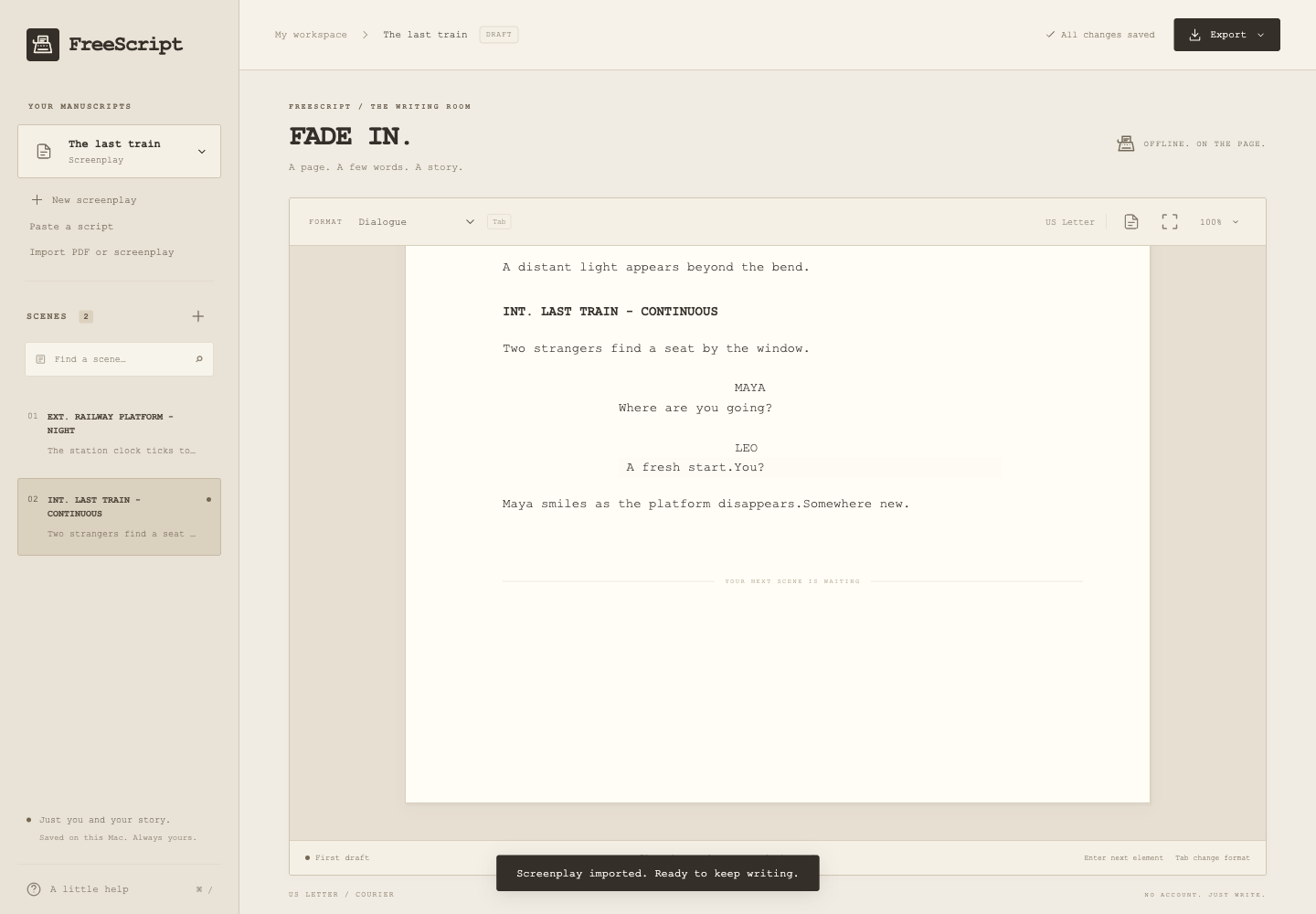
Actual Mac app capture · A real exported PDF reimported as editable text and revised further.
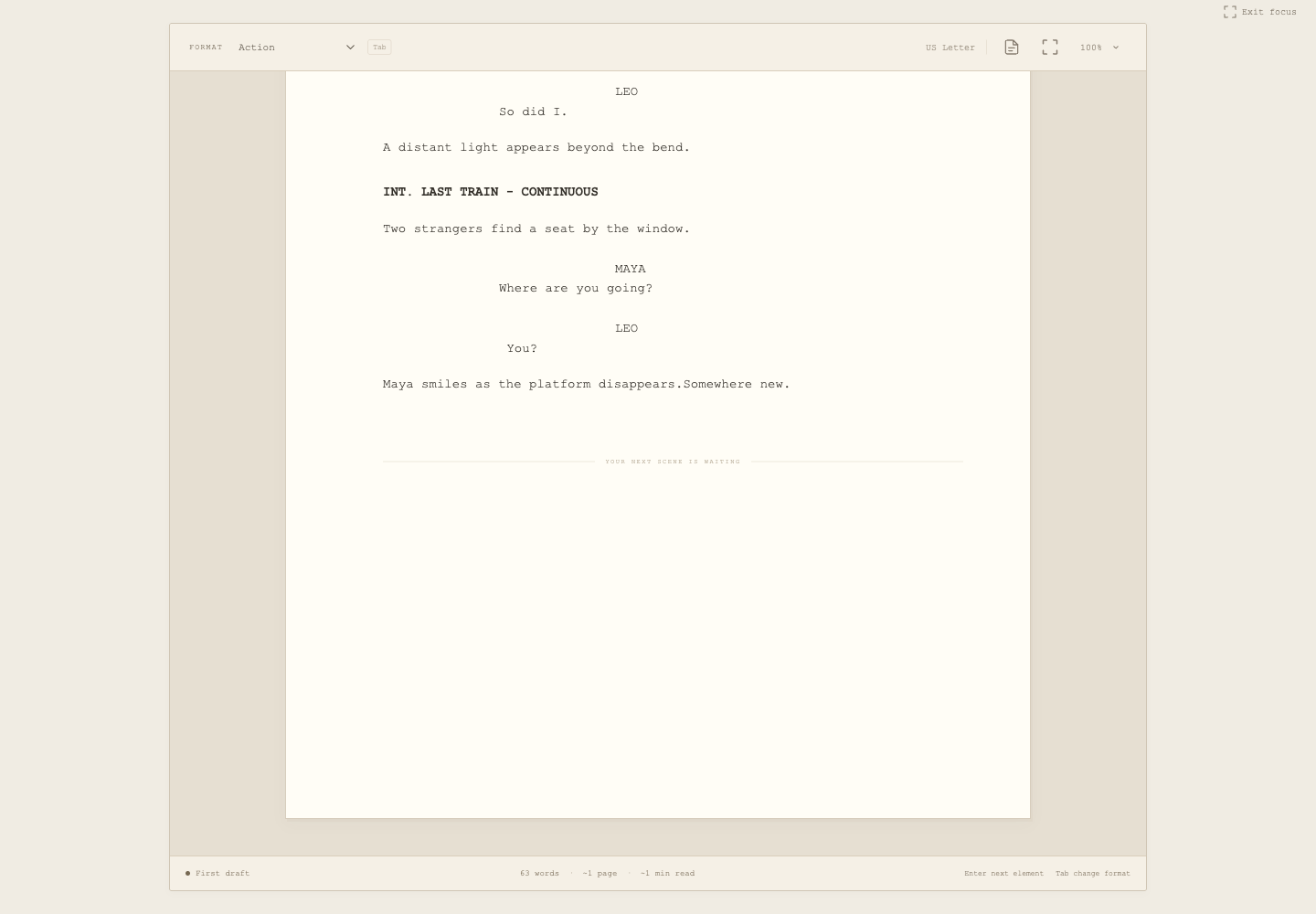
Actual Mac app capture · The focused writing surface using fictional text.
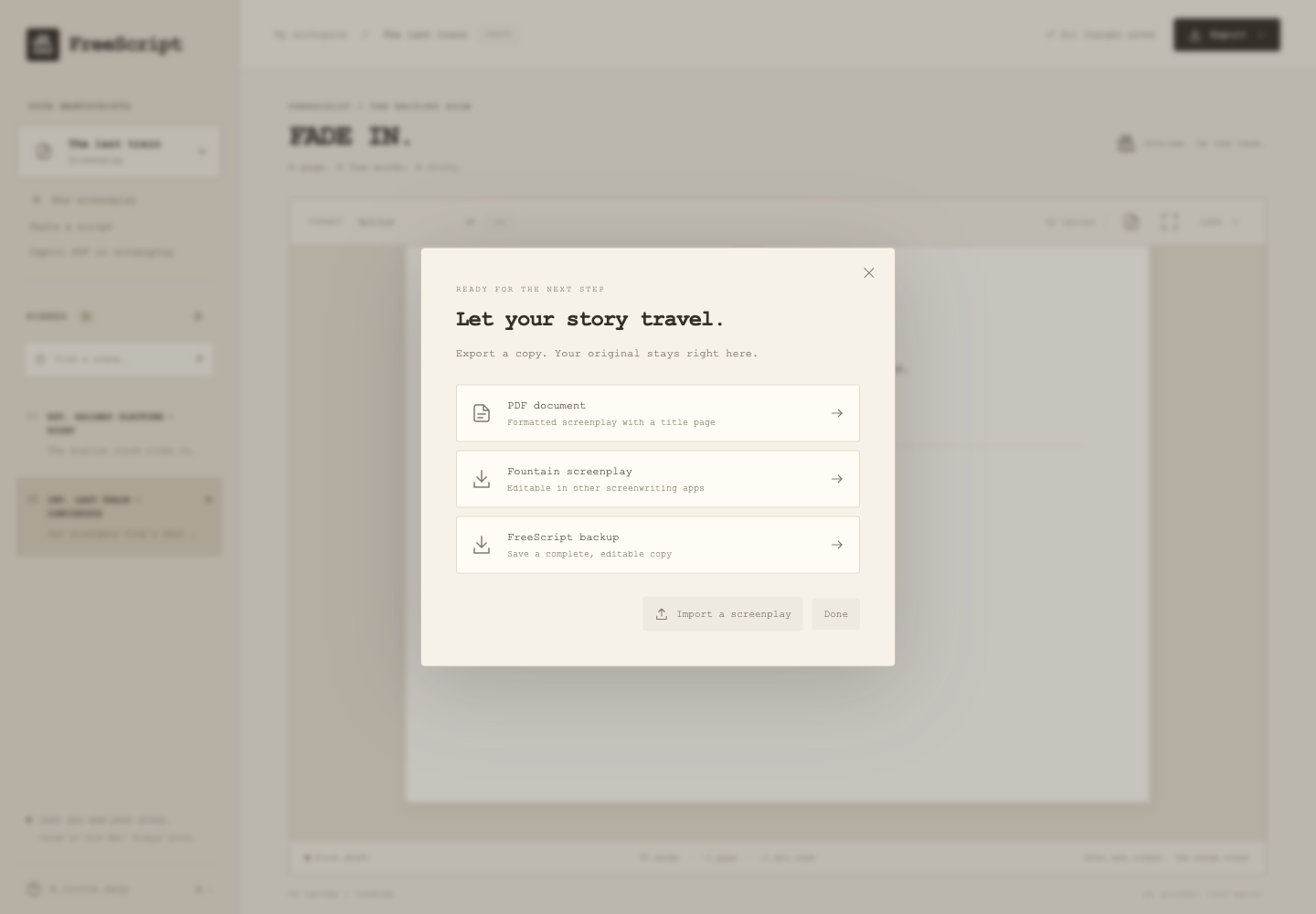
Actual Mac app capture · PDF, Fountain and complete FreeScript backup options.
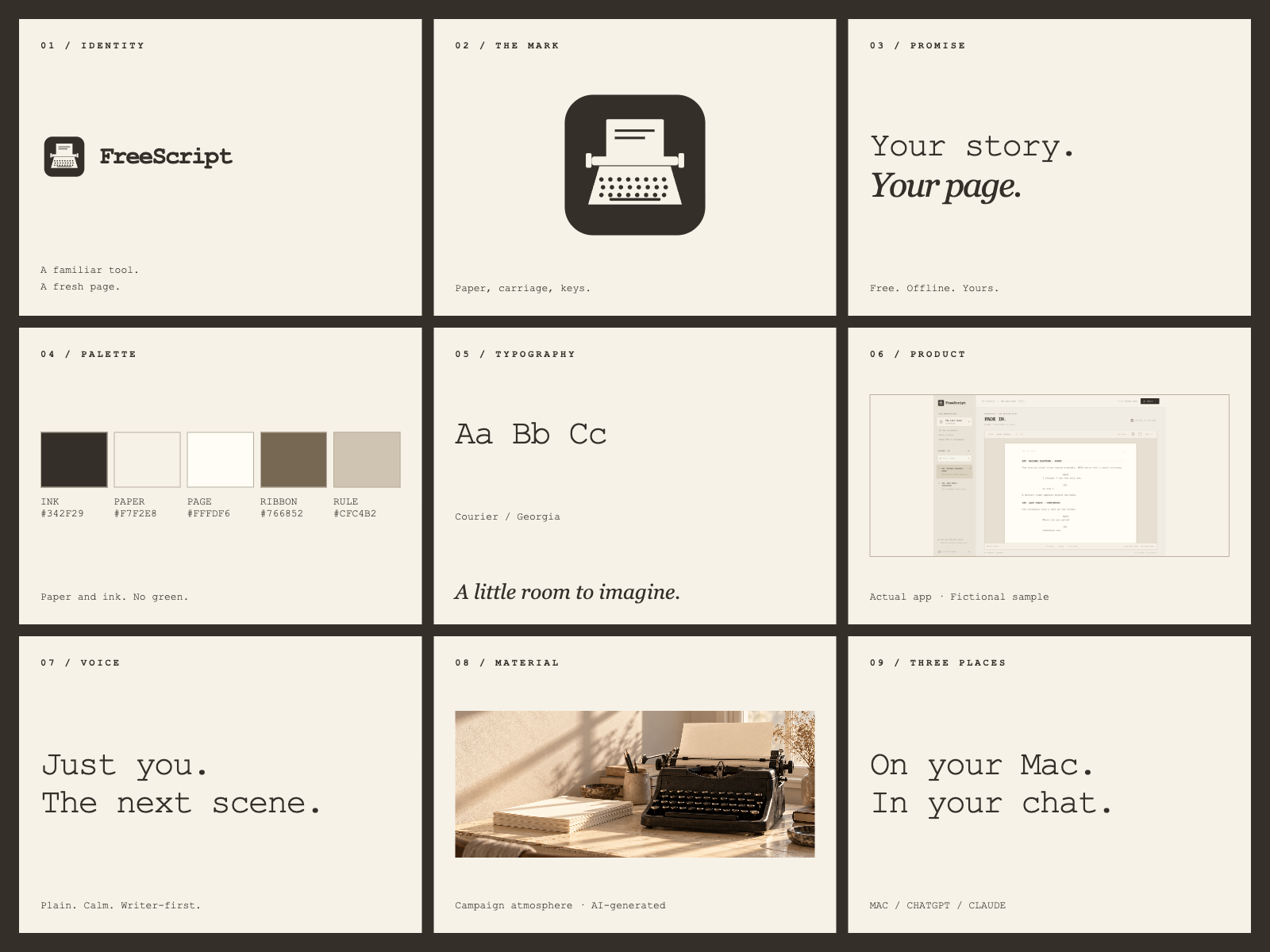
Repository product artwork · Logo family, palette, typography, product and voice; the campaign photograph is AI-generated.
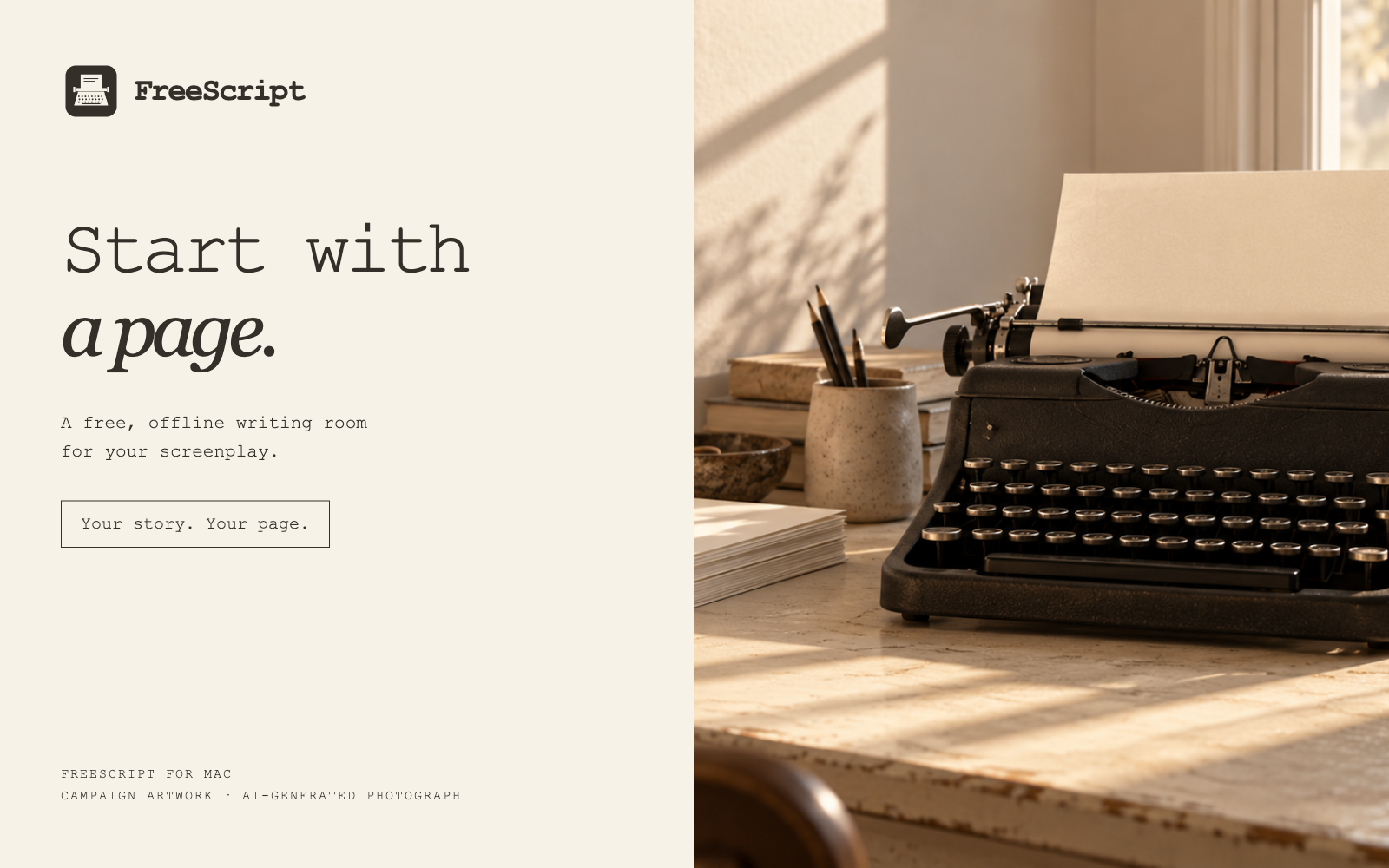
Promotional artwork · An AI-generated typewriter photograph communicates the writing ritual; it is not a physical FreeScript product.
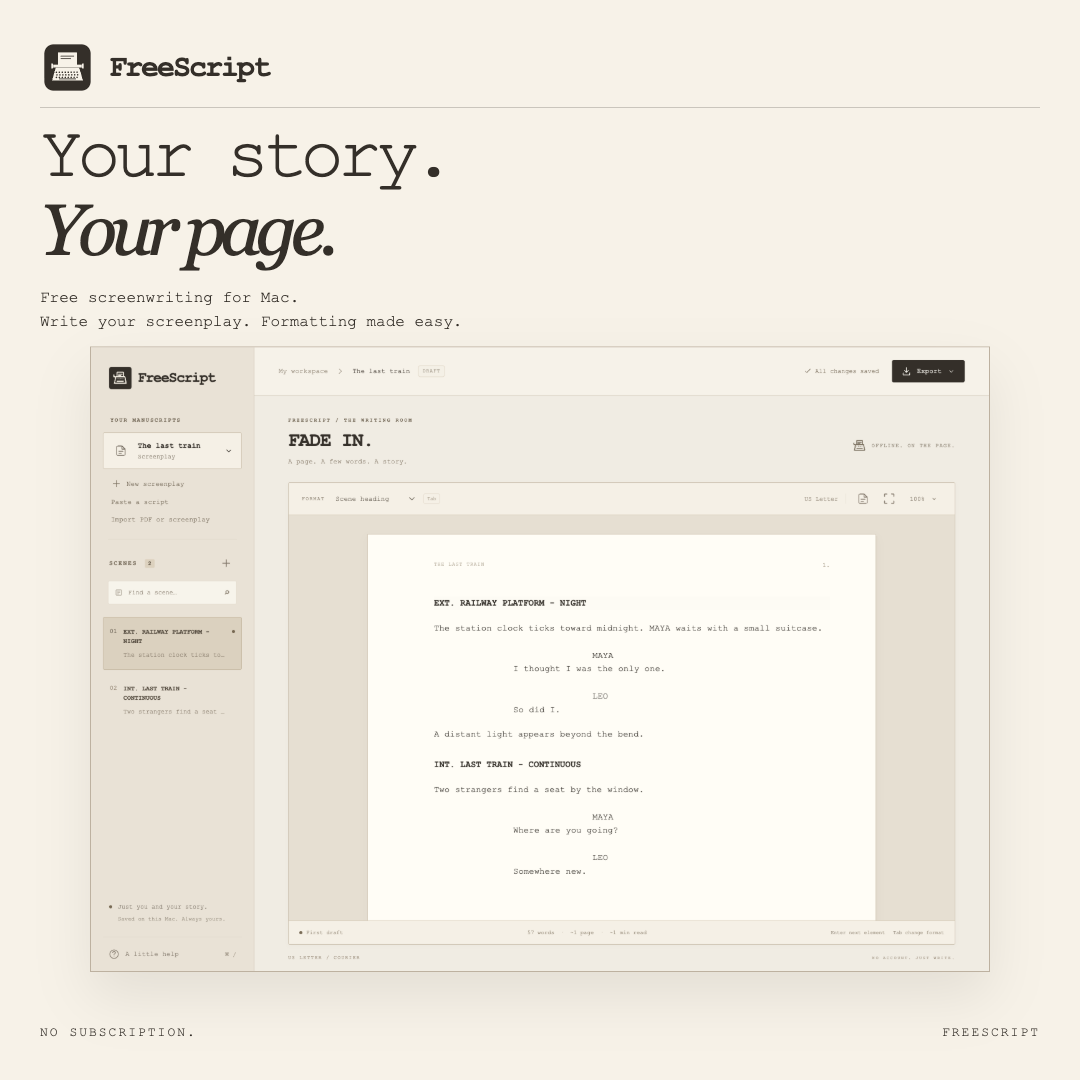
Repository product artwork · Square social format with a genuine fictional-sample app capture.
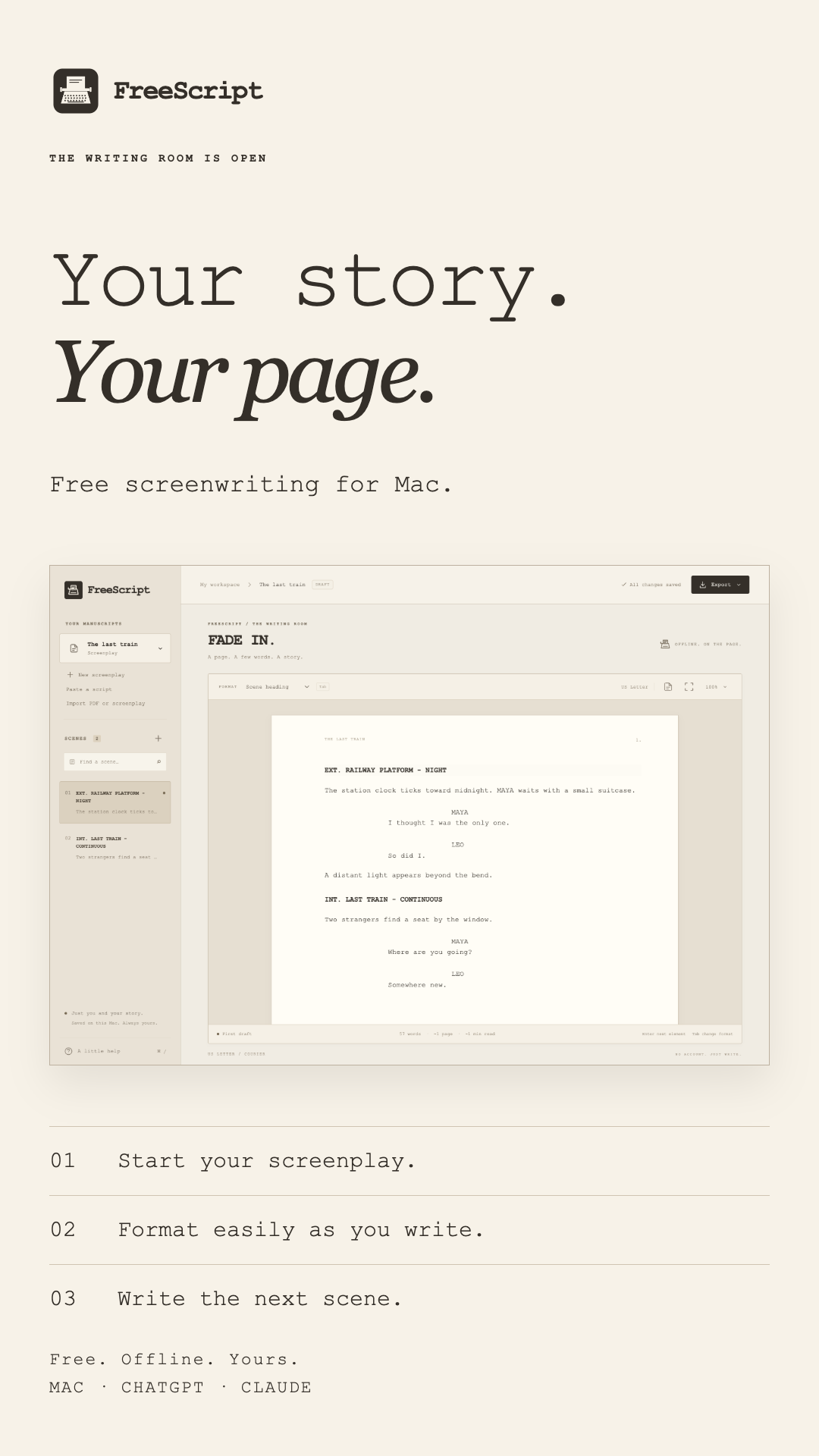
Repository product artwork · Vertical social story with a genuine app capture.
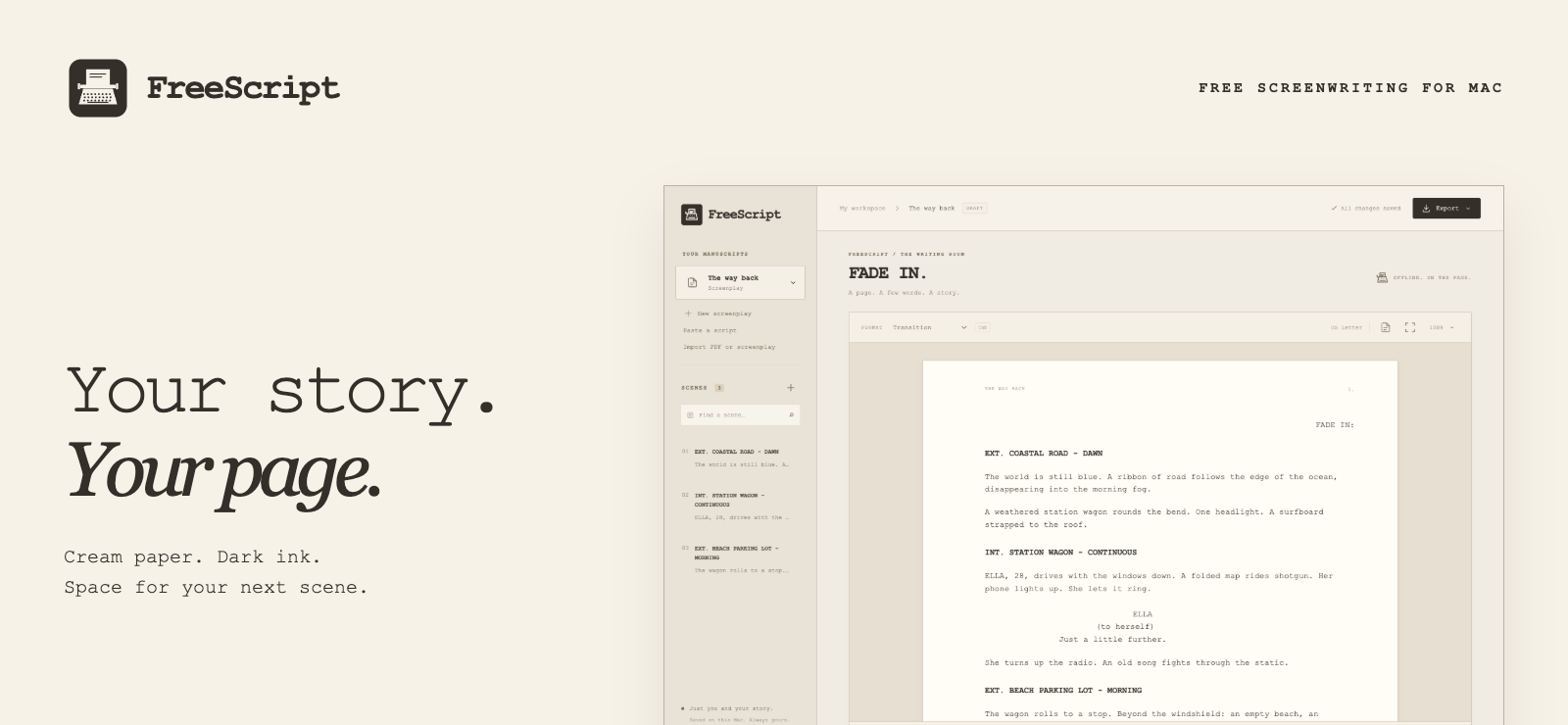
Repository product artwork · The README introduction, using a real app capture.
A creative studio could use a dedicated writing workspace that handles document styling while its team develops structured drafts. This is an illustrative comparable need, not delivered client work.
Tested paste formatting, undo, PDF export-and-reimport, continued editing, and autosave in the installed signed Mac app, using temporary storage to protect the writer’s library.
Work directly with the developer, from the first idea to launch. Your custom code is 100% yours. Client work and code stay out of this public portfolio unless you give permission.
BRAND & PRODUCT STORY
Edited, captioned demonstrations built from genuine app captures with fictional sample writing. The separate campaign photograph is AI-generated promotional artwork.
An edited, silent demonstration built from real app captures: write a screenplay, use simple formatting controls, focus, import a PDF and export.
Download MP4 · Read captionsA silent vertical promo using genuine captures and visible captions.
Download MP4 · Read captionsLogos, design tokens, brand guidelines, reusable social layouts, launch copy, real screenshots, and both videos.
PDF import requires selectable text. Mac drafts and the hosted chat companion transfer through import/export, without automatic synchronization.
Keep writers focused on scenes and dialogue by taking care of screenplay margins, spacing and element styling.
An offline Mac editor with screenplay element styling, Enter and Tab shortcuts, focus mode and local autosave, packaged as a signed universal DMG. Paste formatting and text-based PDF import support existing drafts. A separate MCP service exposes screenplay tools to ChatGPT and Claude.
Selected personal project. Genuine app captures use fictional sample writing. Promotional compositions are labeled; the campaign photograph is AI-generated. The Mac app is Developer ID signed, not notarized. Scanned PDFs require OCR first; imported formatting should be reviewed. Runtime tested on Apple Silicon, with physical Intel testing pending. Chat tools use a separate stateless hosted service; no automatic Mac/chat sync is included.